



Popup surveys that get you answers. 100% free.
Collect NPS ratings, qualitative feedback, and support requests to improve your website experience.
Install in minutes • No credit card required
Trusted by over 449,000 websites worldwide


Effortlessly create your first Popup Survey
Insert seamlessly onto your website
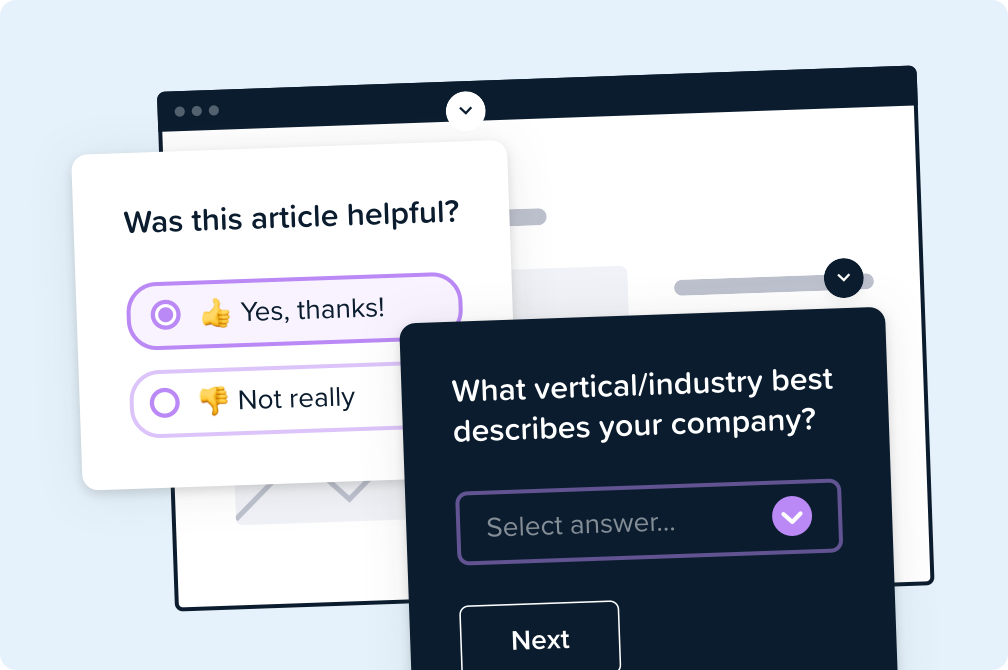
Display surveys directly on an existing website page, or send visitors to a dedicated page link for sharing elsewhere.
Use a template or custom design
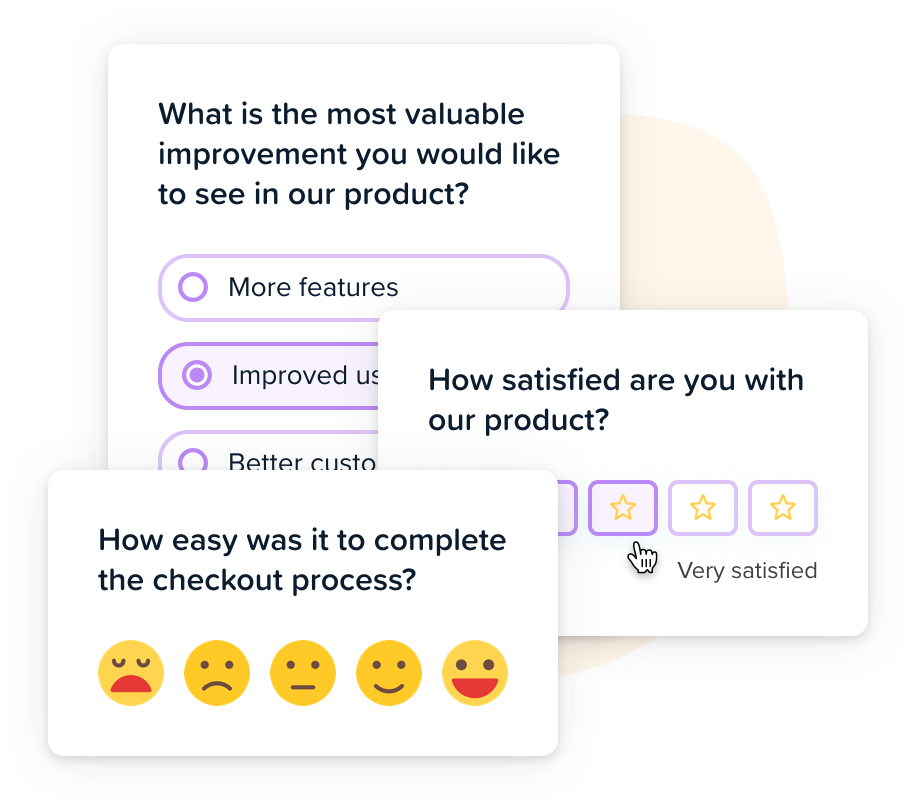
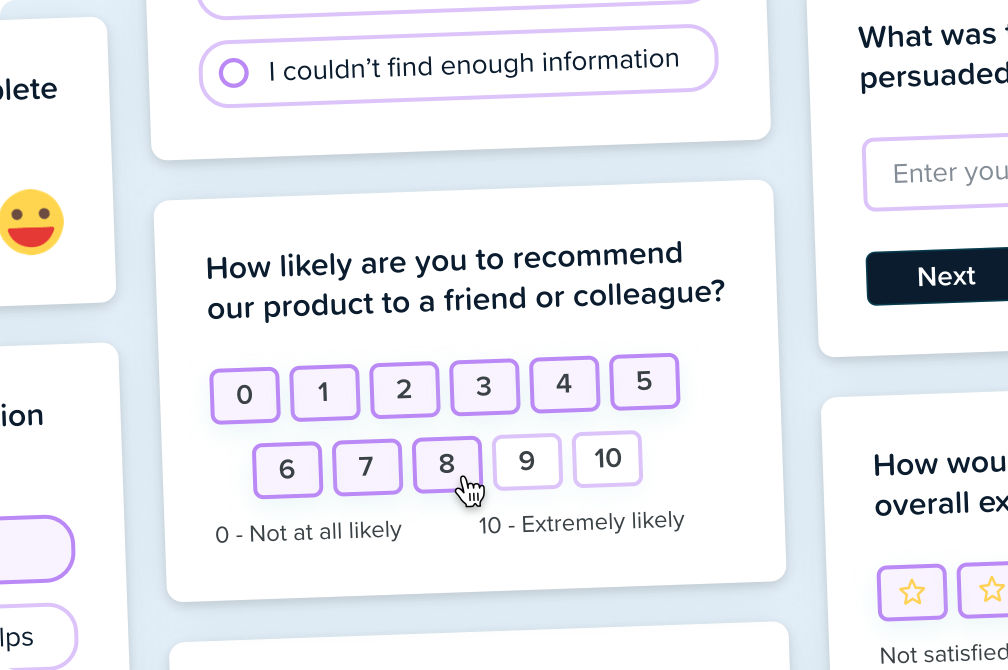
Design your popup survey flow from different question types or select from 50+ templates to:
- Conduct market research
- Measure Net Promoter Score (NPS)
- Collect product usability feedback
- Create customer support tickets
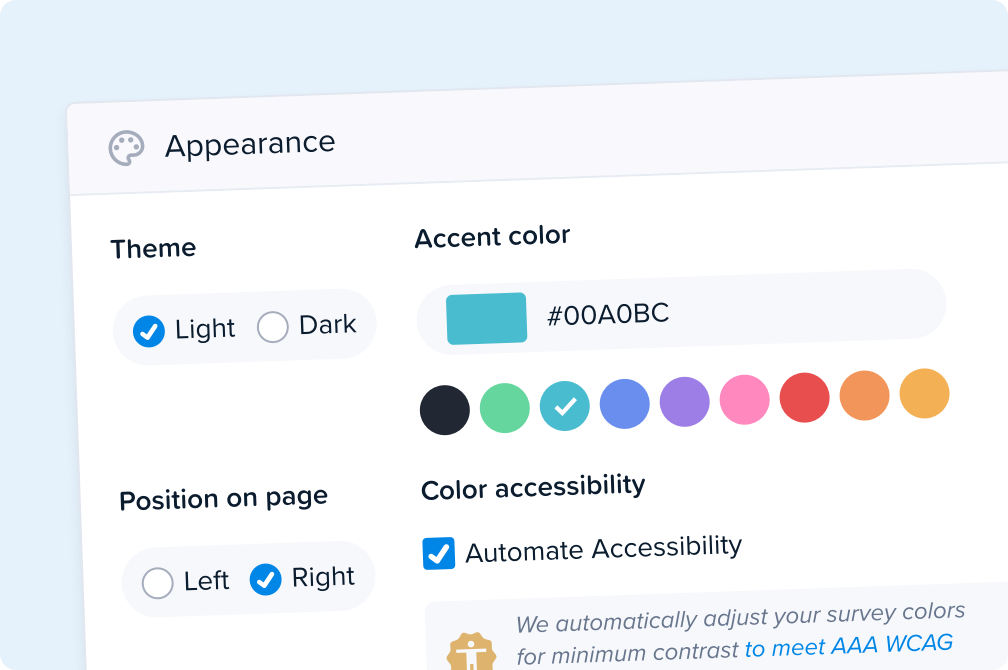
Customize your style & branding
Select your logo, colors, and survey positioning to ensure a seamless on-brand experience.
For best accessibility, our surveys meet all 61 criteria of the WCAG AAA standards.

Get actionable user insights, fast
-
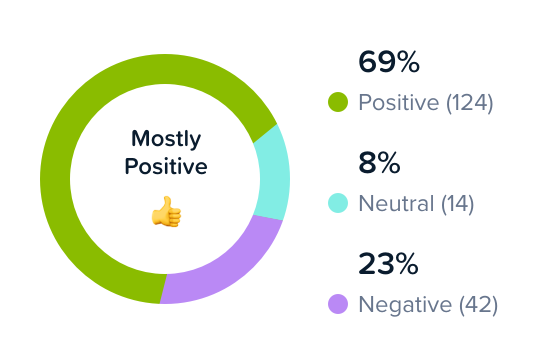
Automated data visualizations
We immediately generate charts to help analyze your data, in real time.
Text responses are also tagged with AI for fast sentiment analysis.
-
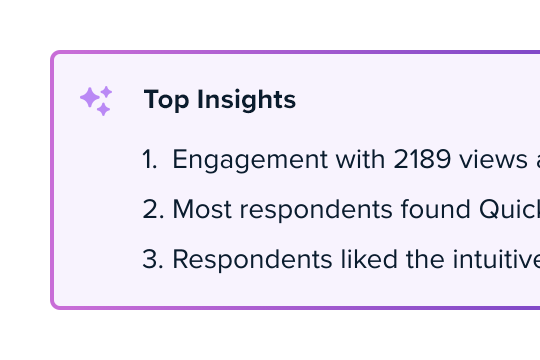
Usable AI-Powered Takeaways
✨Top Insights automatically interprets survey responses, helping you understand the most important patterns in just seconds.
Get the big takeaways on user sentiment, behavior, and pain points to prioritize how to improve your website next.
-
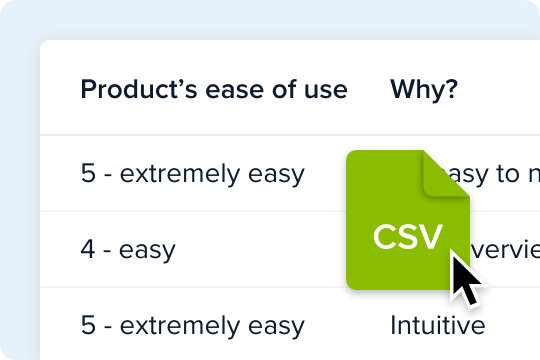
Export response data to CSV
Download your popup survey reports to a spreadsheet format for your own analysis — 100% free.
Design powerful custom logic and automation
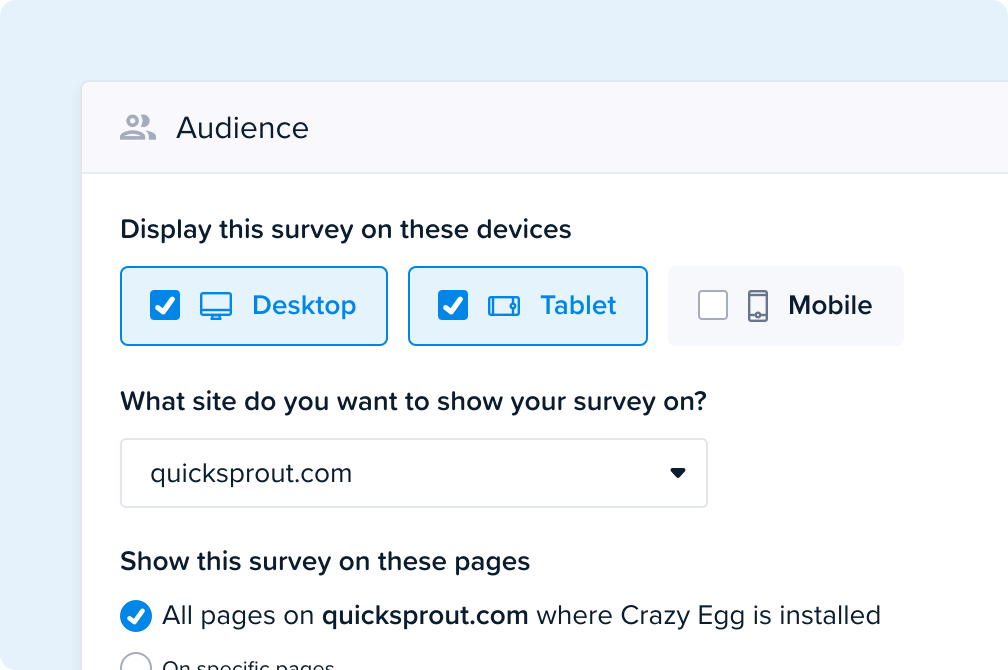
Custom Survey triggers
Target visitor segments based on:
- Page URL
- Device type
- Traffic source
- Click or scroll behavior
- And more
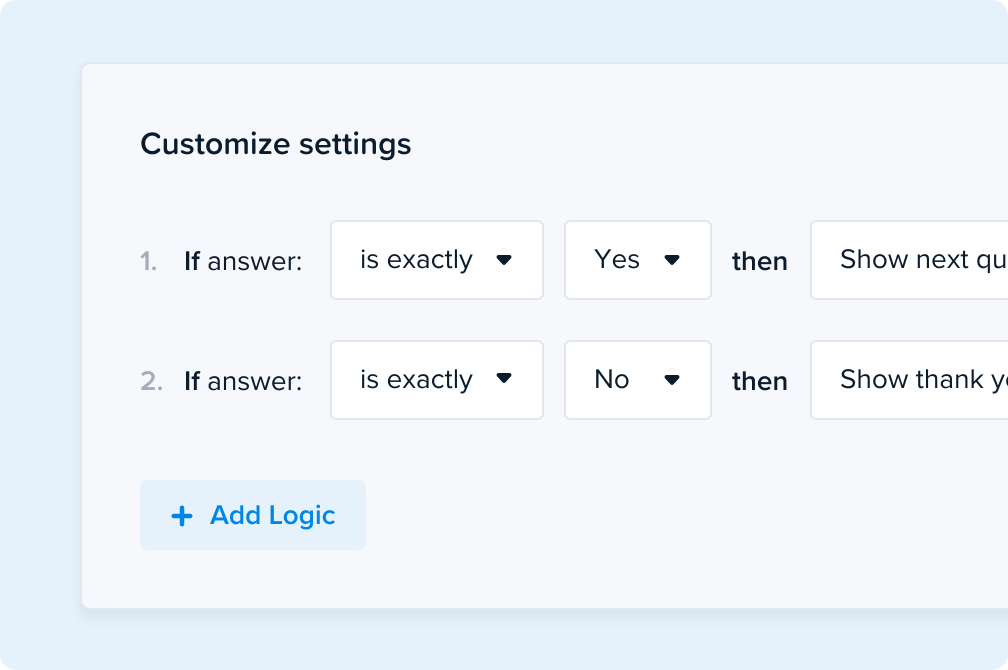
Advanced conditional branching logic
Show or hide questions, and dynamically customize your flow based on the user's responses.
Skip to different questions, collect user emails, or even redirect to a new page to create a personalized survey path.
Reproduce UX issues and errors
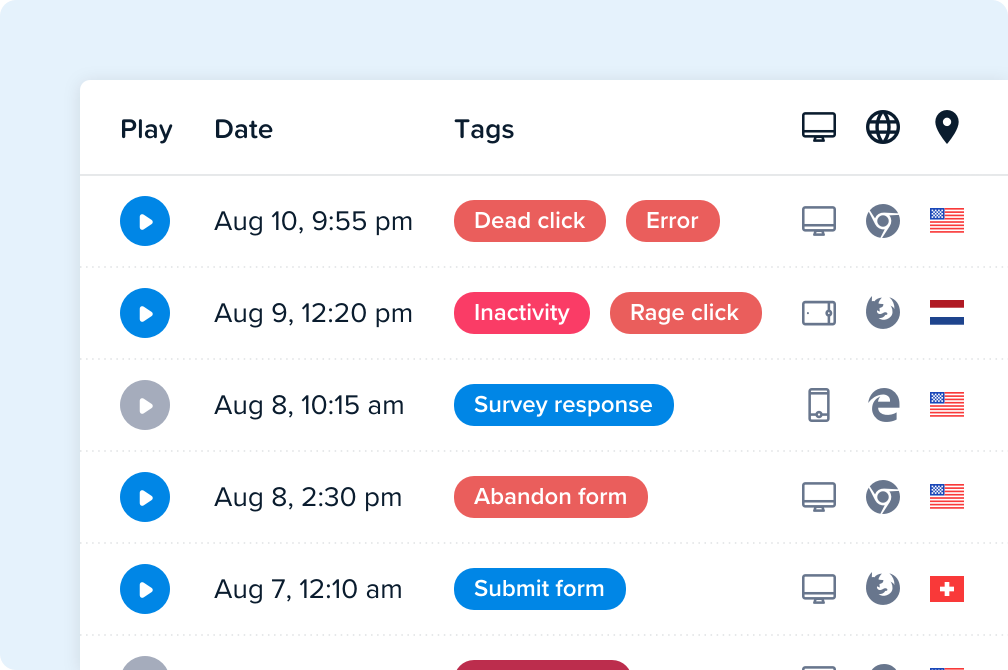
For visitors with UX issues, filter based on auto-tagged signs of frustration — and watch related Session Recordings to reproduce errors.
See device, browser, and country for each respondent.
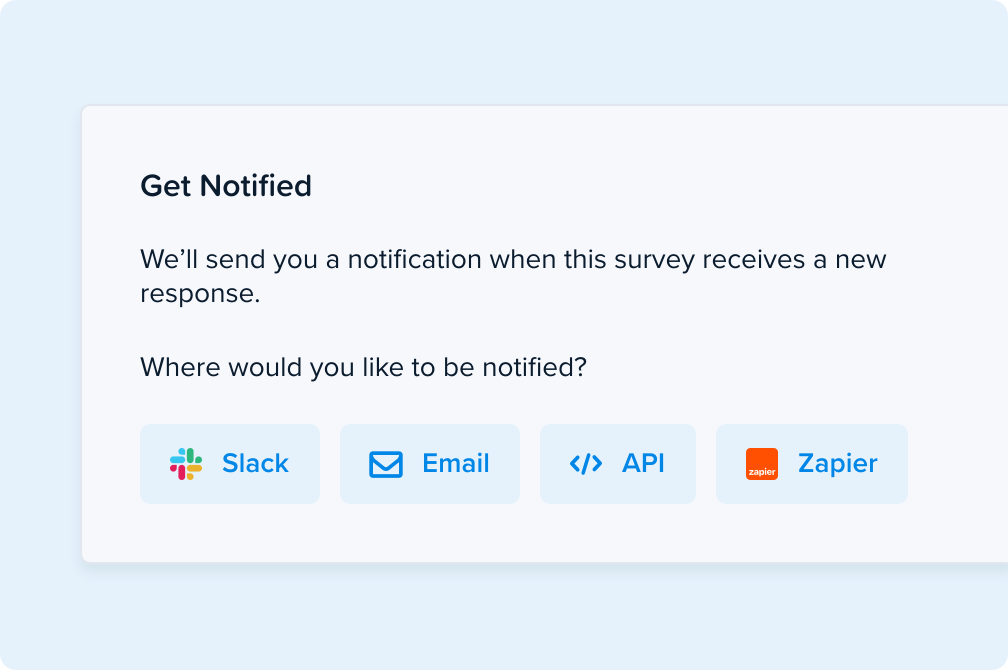
Send notifications to the right team
Automatically send a notification via email, Slack, API endpoint, or Zapier integrations when your survey gets a response.
Sync feedback to your CRM or Marketing Automation, and even create a Support ticket when users ask for assistance.
-
What is a popup survey?
A popup survey is a short questionnaire that appears in an overlay on your website while someone is browsing, instead of on a separate page they have to visit.
Because it asks in the moment, a popup survey captures the reason behind behavior you can already see in your analytics. Your heatmaps show you that people stall on the shipping step. A popup survey tells you it's the delivery estimate.
-
What are Crazy Egg Popup Surveys for?
Crazy Egg Popup Surveys collect feedback straight from the people using your website, without pulling them out of what they were doing. Ask them:
- Why they didn't buy.
- If a page answered their question.
- How likely they'd be to recommend you.
Then read the answer next to the Session Recording of that exact visit: the pages they saw, the clicks they made, the friction they hit. You’ll see the “why” behind your web analytics.
-
Can I show a survey as a popup on my website?
Yes, popup is the default format. The survey displays as a widget over your existing page content on any page where Crazy Egg is installed, and you don't add code for each new survey. Build it, choose where it shows, publish.
You can also share any survey as a standalone URL for email, social, in-app messages, or a QR code. Same survey, same reporting, two ways to deliver it.
-
Can the Crazy Egg popup survey be used as an exit intent survey?
Yes. Set the trigger to exit intent and the survey appears only when a visitor moves to leave. We recommend using exit intent surveys on cart and checkout pages, pricing pages, and trial signup pages.
-
What question types can I use?
Surveys supports these question types:
- Multiple Choice (choose only one)
- Multiple Choice (choose one or more)
- Short Text
- Long Text
- Stars Rating
- Numeric Rating
- Emoji Rating
- NPS (Net Promoter Score)
-
What Survey formats can I use?
You can either deploy Surveys as a popup widget (directly on any website page), or at an external URL link.
Survey popup widgets can be displayed on any website page where Crazy Egg is installed. You do not need to add additional custom code to fit the widget on your page.
-
How do I install a Crazy Egg Popup Survey on my website? Will this impact site experience?
You can install Crazy Egg by copying and pasting one piece of code into your website settings (at the top of the head section).
Find this piece of code by logging into your account, then clicking "Install Crazy Egg" in the sidebar. No technical knowledge required. Doing this takes just three minutes.
- Drupal
- Google Tag Manager
- Joomla
- Magento
- Segment
- Shopify
- Squarespace
- Wix
- WordPress
Crazy Egg's lightweight script is optimized to minimize impact on your site speed. It loads asynchronously, so it won't delay other critical page resources.
-
Is there a template library of Survey designs?
Yes! Crazy Egg comes with a free library of 50+ Survey templates, which you can then customize as needed.
These templates cover a wide range of use cases, from product user research to marketing to customer support.
-
Can I customize appearance and branding?
Yes. You can customize the color, position, and text appearance of each Survey from its settings page.
-
When can the popup survey trigger?
Crazy Egg Popup Surveys include these triggers:
- Immediately: fires as soon as the page loads.
- Exit intent: fires when the cursor moves toward the browser bar.
- Time on page: fires after a set amount of time.
- Scroll depth: fires once a user scrolls through a percentage of the page.
- Click on a specific element: fires after an element has been clicked.
- Number of pages viewed: fires after a specific number of pages are viewed.
You can also suppress a survey so it never reappears to a visitor who already saw it or answered it.
-
Can I design Surveys with conditional branching logic?
Yes, you can design Surveys with conditional branching logic based on the visitor's specific responses.
Any Survey question can skip to different questions, collect user emails, auto-finish the survey, redirect to a new page, or send a follow-up email to create a personalized question path.
-
How do I analyze popup survey results? Can I export responses?
Responses appear on the survey's results page as they arrive, with charts generated automatically.
Text answers are tagged with AI sentiment analysis. Our Top Insights feature writes a plain-language summary of the patterns across all your responses.
Everything exports to CSV for your own analysis, on every plan including Free.
-
Does Crazy Egg capture any device or activity metadata?
To help contextualize Survey feedback, Crazy Egg automatically captures anonymized data on the device type, browser, and country of respondents.
It also automatically tags visitors based on their website actions and friction they’ve encountered.
Crazy Egg does not identify Survey respondents by default. However, you can opt into tracking this in your account settings.
-
Can I view Session Recordings and page history for respondents?
Yes, Crazy Egg automatically links to the relevant Session Recording and page history for each Survey response (if your subscription plan includes Session Recordings).
-
Can I get notifications for Survey responses? What integrations are available?
Yes, you can set up notifications for when you get a response to a specific Survey. Notifications can be received via:
- Slack
- Zapier
- API endpoint
With Zapier and API endpoints, you can also automatically send response data to any supported software, such as your CRM or Marketing Automation Platform.
-
How does pricing work for Surveys? Is there a free tier?
All Crazy Egg users get access to unlimited Surveys and unlimited responses, no matter their subscription (seriously). Even if you’re on Crazy Egg’s Free plan.
Customers on paid plans have the option to fully remove Crazy Egg’s watermark from the design of their Survey widgets. But all users still have the ability to customize the text and color of their Surveys, including Free users.